

Reference

qr777 App — Your Account in Your Pocket

The qr777 mobile experience runs directly through your browser — no store download required to reach the lobby, check your wallet or place a bet.

mobile browser accessaccount wallet on-the-godevice-responsive layoutavailability depends on eligible regionscheck qr777 for current app build status
qr777 qr777 App — Your Account in Your Pocket
APP FEATURE SNAPSHOT

Four Things the Mobile Interface Handles Well

The qr777 mobile interface is shaped around account speed and comfort — here is what that looks like in practice across four areas that matter most when you are away from a desktop screen.

Fingerprint Login Browsers that support WebAuthn let you authenticate with your fingerprint instead of a password. Enable it once in your account security settings and it stays active.
Push Notifications Allow notifications in your browser and qr777 can alert you when account activity happens — a wallet credit, a withdrawal status update or a new item on your promo board.
Dark Mode Display The mobile lobby respects your device's system dark-mode setting, so night sessions on Live Baccarat Bangladesh or Roulette LuckyWheel are easier on your eyes without adjusting anything manually.
Offline Lobby Preview On a weak connection, the lobby shell loads from cache so you can see game categories and navigate to your account page before the live feed catches up.
qr777 Slots, Live Tables and Your Betslip — All from One Screen

Slots, Live Tables and Your Betslip — All from One Screen

Load qr777 on Android or iOS and you land straight in a mobile-optimised lobby where Crash Skyrise, Live Baccarat Bangladesh and Moonlight Reels Bangladesh are visible without scrolling deep. The mobile interface adds a few things the desktop doesn't push as hard: browser push notifications alert you when a promotion updates on your account board, a quick-deposit shortcut puts your wallet top-up

one tap away, and fingerprint login — where your browser supports it — means you skip typing your password on every session. Cricket sportsbook markets, including BPL and international fixtures, sit in the same bottom navigation bar as the casino rooms, so switching between a live table and a betslip takes seconds.
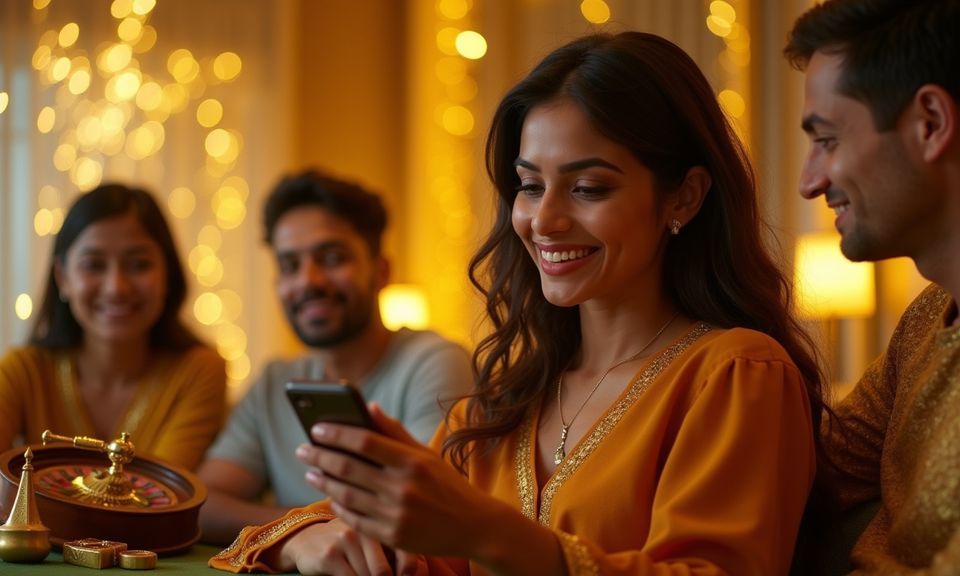
qr777 Mobile Access in 3 Steps

Mobile Access in 3 Steps

Getting into qr777 on your phone does not involve an APK file or an app-store search — the browser path is quicker and works on most modern handsets. First, open qr777 in Chrome or Safari; the site detects your screen size and switches to the mobile layout automatically. Second, check that your browser is reasonably current — fingerprint login and push notifications

rely on browser-level features that older versions may not support, so a quick browser update removes most friction. Third, sign in with your account credentials; if you have WebAuthn set up, your fingerprint handles the rest. Players in Dhaka and elsewhere around Bangladesh report the mobile lobby loads cleanly on mid-range Android handsets running a current Chrome build.

  • Open qr777 in your browser — Type the address directly or use a saved bookmark — the mobile layout loads automatically without any toggle or mode switch.
  • Check your browser version — Chrome or Safari on a current version covers fingerprint login and notifications. If a feature is not responding, a browser update is usually the fix.
  • Sign in securely — Enter your credentials or use fingerprint authentication if you have enabled it in your account security settings. Your session stays active for your set duration.
  • Verify app build availability — If a native Android or iOS build is currently available, the download prompt appears on the site's account page — check there for the most current status.

Which Devices and Browsers Work with qr777

Most modern smartphones and tablets reach the full qr777 lobby without any special setup. These five points cover what to verify on your own device before your first mobile session.

Browser supportChrome for Android and Safari for iOS cover the full feature set. Firefox mobile works for standard browsing but may not support all biometric login features.
Screen layoutThe qr777 mobile layout is designed for screens from 5 inches upward. On smaller screens some live table interfaces may ask you to rotate to landscape for the full dealer view.
Account requirementsYour account must be verified before you can deposit or withdraw on mobile. The verification steps are the same as desktop — complete them once and they carry across both.
Region eligibilityAccess to qr777 depends on your local law and eligible regions. The site confirms your access status at login; no action is required beyond opening the address.
Checking supported devicesThe account help section at qr777 lists currently supported browsers and any known device-specific issues. Check there if a feature behaves unexpectedly on your handset.

What You Have Been Asking About the qr777 App

These are the questions we hear most from people setting up mobile access for the first time or switching from desktop to their phone for regular sessions.

No. The qr777 mobile experience runs through your browser at qr777. No APK is needed. If a native app build becomes available, the prompt appears on your account page.

Yes, if your browser supports WebAuthn. Enable biometric login once in your account security settings and fingerprint authentication becomes available on that device going forward.

Allow notifications when your browser asks and qr777 can send alerts for wallet credits, withdrawal updates and promo board changes. You can adjust notification settings in your browser at any time.

The full lobby is accessible on mobile, including Live Baccarat Bangladesh, Crash Skyrise, Moonlight Reels Bangladesh and the cricket sportsbook. A few live table layouts work best in landscape mode.

Yes. The wallet deposit flow for bKash, Nagad and Rocket works the same on mobile as on desktop. Open the deposit page, select your wallet, confirm the amount and complete it in your payment app.

First, update your browser to its current version. Then clear your browser cache and reload qr777. If the issue continues, the account help section lists known device compatibility notes.
Reference

qr777 App

Service availability depends on eligible regions and local law. Users should check local rules before opening an account.

Access may be available only where local law permits.